construction daily report software
Construction Daily Report Software Crews Actually Fill Out
Updated July 2026
Construction daily report software replaces the end-of-day paperwork scramble with a structured record: crew, equipment, weather, work performed, quantities, photos, and delays — timestamped and stored per job. Gradelog adds voice-to-report, so a foreman talks the day into their phone from the truck and gets a clean, structured daily report, plus share links a GC or owner opens without an account.
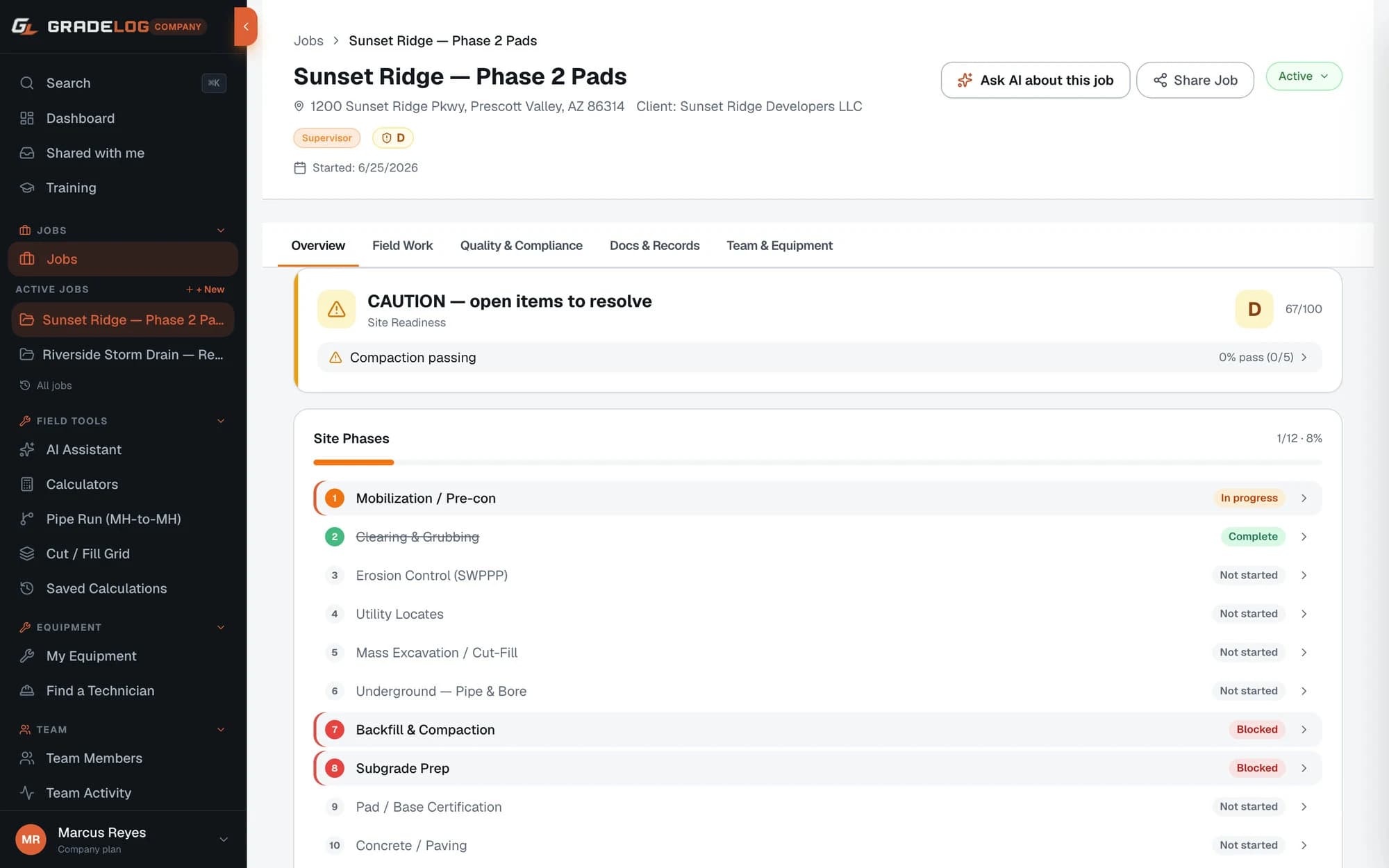
Daily reports are the documentation most likely to save a contractor in a dispute — and the most likely to be skipped, because after a ten-hour day nobody wants to type. The fix is not another blank form; it is making the report take two minutes.
With Gradelog, the foreman talks the day into the phone — crew count, what got built, weather, delays, visitors — and the report comes out structured and consistent. Photos attach from the field with GPS. Quantities roll into production tracking automatically. And every report is timestamped at creation, which is exactly what makes it defensible later.
Who this is for
- Foremen and superintendents who owe a daily to the GC
- Self-performing contractors protecting against delay claims
- Companies standardizing field records across multiple crews
- Subs on projects where the daily log decides who pays for weather days
Voice-to-report: the two-minute daily
Talk the day into the phone on the drive out of the site. Gradelog structures the narration into the standard daily report sections — manpower, equipment, work performed, materials, weather, delays, safety notes — so every crew produces the same consistent record without anyone typing paragraphs on a phone keyboard.
Prefer manual entry? The structured form takes minutes, with photo attachments, quantity fields, and weather captured for the job location.
The report that holds up in a dispute
A daily report is only worth what it can prove. Gradelog reports are timestamped at creation, tied to a job and author, and photos carry GPS and time metadata. When a delay claim or differing-site-condition argument surfaces months later, the contemporaneous daily record is the strongest evidence a contractor holds.
From daily report to production intelligence
Quantities logged in dailies feed the production log automatically — daily placed quantities against bid targets, burnup charts, and rolling averages. The daily report stops being paperwork that disappears into a folder and becomes the data that tells you whether the job is making money.
What's included
Voice-to-report — talk the day, get a structured daily
Crew, equipment, weather, quantities, delays, safety notes
Photo attachments with GPS and timestamps
Share links — GC or owner views without an account
Quantities feed production tracking automatically
Consistent format across every crew and job
PDF export, branded with your company block
Works offline — write now, sync later
See it with real project data
Open the live demo — a fully seeded project you can explore without creating an account.
Frequently asked questions
Is daily report software the same as construction daily log software?
Yes — “daily report,” “daily log,” and “daily construction report” all describe the same record: the contemporaneous account of crew, equipment, weather, work performed, and delays for one day on one job. Gradelog works as construction daily log software for crews that call it that — same structured record, voice entry, photos, and share links.
What should a construction daily report include?
At minimum: date, project, weather, crew count and hours, equipment on site, work performed with locations and quantities, materials received, delays or disruptions, safety incidents or observations, and visitors. Gradelog structures all of these into the report automatically.
How does voice-to-report work?
The foreman records a spoken summary of the day; Gradelog transcribes it and organizes the content into the structured daily report sections, ready to review, edit, and submit — typically in under two minutes.
Can the GC or owner see the reports without a Gradelog account?
Yes. Each report generates a share link that opens in any browser with no login, and can also export as a branded PDF for email or upload into the GC’s system (including Procore).
Do daily reports work offline?
Yes. Reports can be written or dictated with no signal and sync automatically when coverage returns — built for remote sites and dead zones.
How is this different from Raken or a generic form app?
Gradelog dailies live alongside the rest of the field record — grade shots, compaction logs, material tickets, timecards — on one job page. The daily is one layer of a complete field history, not a standalone form that has to be reconciled with everything else later.
Go deeper
Log it. Prove it. Build with confidence.
Free plan available. Works offline. Cancel anytime — your data is never deleted.