Field Supervisor+ Plan
Team
& Roles
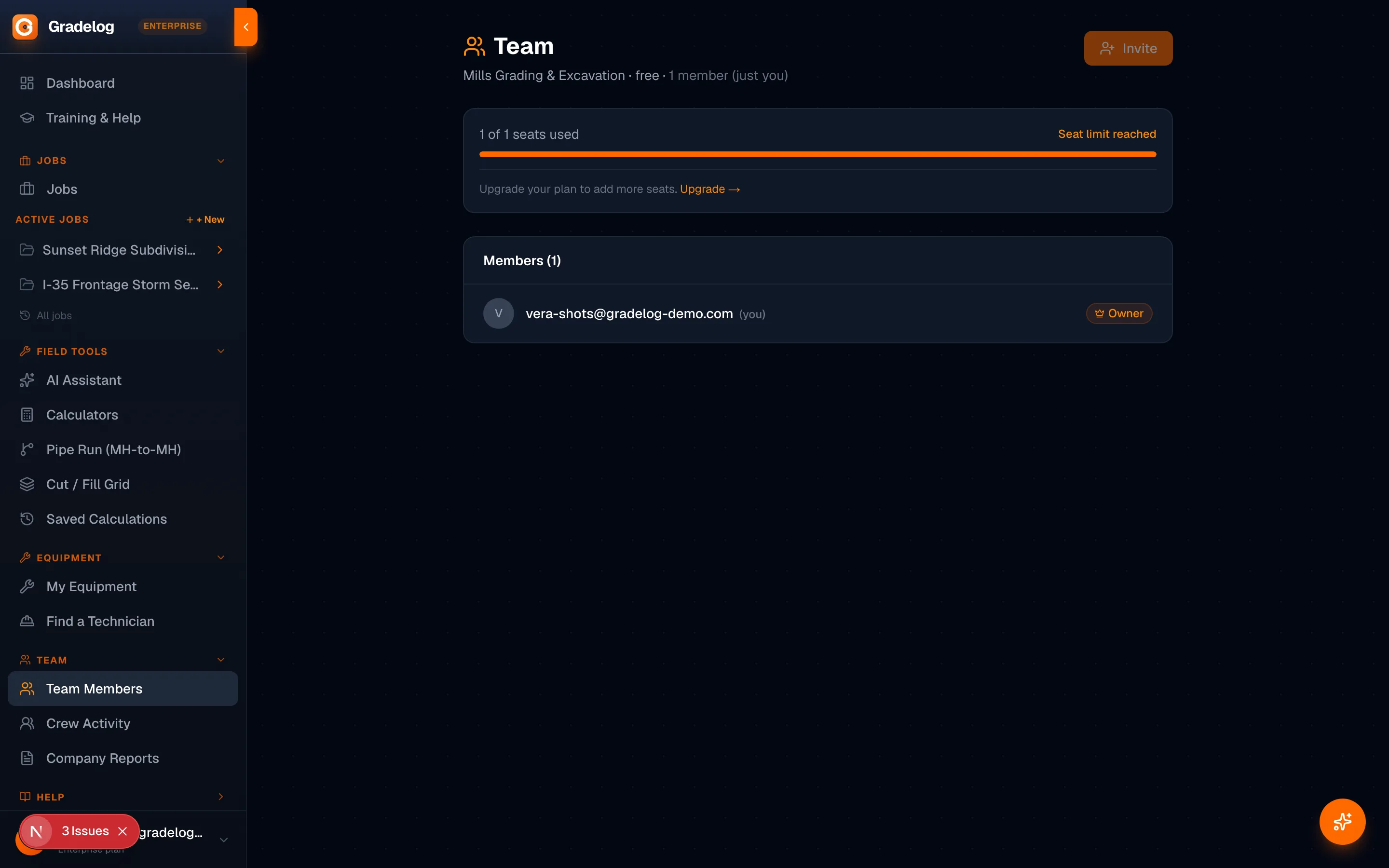
Four roles, role-based tab access, email invites, and seat management — each person sees exactly what they need to do their job.
4 roles — each with the right access
Field Operator
- Grade shots
- Daily reports
- Files
- Safety
- Crew
- Timeline
Field Supervisor
- Everything above
- Material tickets
- Timecards
- RFIs
- Production
- Corrective actions
Project Manager
- Everything above
- Production log
- Sub coordination
- Full QC inspections
Company Owner
- Full access
- All tabs and features
- Team management
- Organization settings
How it works
01
Invite by email
Enter a team member's email and select their role. Gradelog sends them an invitation to join your organization.
02
They accept and join
The invite arrives by email. They click accept, set a password, and are immediately added to your org.
03
Role controls what they see
Their role determines which tabs appear on each job. Field Operators see the field. PMs see the full picture. Each person sees exactly what they need.
04
Adjust roles anytime
Promote a foreman to supervisor, add a project manager — role changes take effect immediately.
Who uses this
Company owners
Control who can log hours, approve timecards, view financial data, or share reports externally. Role-based access protects sensitive job data.
Project managers
Manage your crews without giving everyone access to everything. Operators log field data; PMs see the full picture.
Growing companies
Start with one seat, add more as you hire. Seat management on Company and Enterprise plans makes scaling straightforward.
Common questions
What are the four user roles in Gradelog?
Field Operator: core field work — grade shots, reports, files, safety, crew, timeline. Field Supervisor: adds material tickets, timecards, RFIs, production, corrective actions. Project Manager: adds production log, sub coordination, full QC inspections. Company Owner: full access to everything.
How many seats are included per plan?
Field Pro and Field Supervisor plans include 1 seat. Company plan includes 5 seats with additional seats at $24/month each. Enterprise plan includes 5 seats with additional seats at $19/month each.
How do I invite team members?
Enter your team member's email address and select their role. Gradelog sends them an invitation email. You can see pending invites and resend if needed. Invites expire after 7 days.
Can I change a team member's role after they've joined?
Yes. Company owners can change any team member's role at any time from the Team settings page. The change takes effect immediately on their next page load.
What happens to a seat when a team member is removed?
Removing a team member frees up that seat immediately. The seat is available to invite a new team member without any billing delay. All of the removed member's historical data (timecards, reports, grade shots) is preserved in the job records.
Roles that fit every job type
From solar EPC crews to DOT road contracts, the right role structure keeps your documentation clean and your data protected.
The right access.
For every role.
Free plan available. Cancel anytime.
Get StartedFree plan availableNo card to startCancel anytime