Field Supervisor+ Plan
Shared
Reports
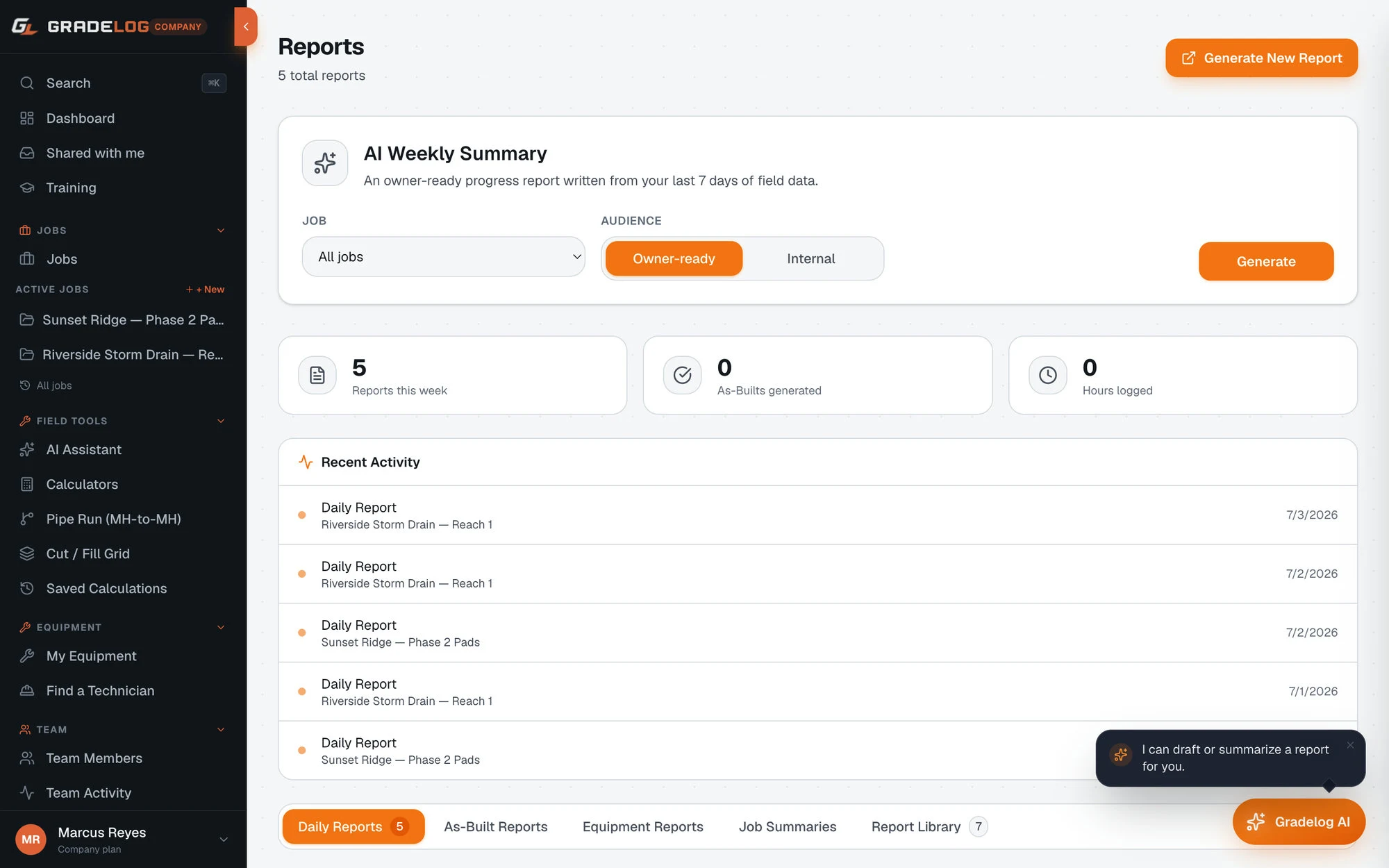
Share any report via a link. Your GC, inspector, or owner views it, downloads the PDF, and approves or rejects — no Gradelog account required on their end.
What it does
Share with anyone
- GC, inspector, owner, engineer — any recipient
- No Gradelog account required to view
- Link works in any browser, any device
- PDF download available from the link
Approve or reject workflow
- Recipient clicks Approve or Reject
- Rejection includes a reason field
- Decision logged with timestamp
- You see the decision immediately in Gradelog
Shared with me inbox
- Recipients who sign up get a shared inbox
- All reports shared to their email in one place
- Approve or reject from the inbox
- Natural conversion path from recipient to account holder
How it works
01
Generate your report
Complete your field data and generate the report type needed — grade verification, sewer as-built, pad cert, or any other.
02
Copy the share link
Click Share on the report. Copy the unique link. Text it, email it, or paste it into a project management message.
03
Recipient reviews
Your GC or inspector opens the link in any browser. They see the full report, shot data, and PDF. No account needed.
04
Approval logged
They click Approve or Reject. The decision is timestamped and recorded in your Gradelog job. Job closed, documentation locked.
Who uses this
Grading contractors
Share pad cert and grade verification reports with the building inspector the same day work is completed. No office turnaround.
Sewer contractors
Share sewer as-built reports with the city inspector for acceptance. They approve digitally — you have a timestamped record.
Solar EPC contractors
Share pile as-driven reports with the EPC for sign-off. The EPC approves from the link — no site visit required for documentation review.
Used wherever inspectors need documentation
Every industry has inspectors, GCs, or owners who need field documentation without a software account.
Common questions
Does my inspector need a Gradelog account to view a shared report?
No. You share a link — your inspector opens it in any browser with no login required. They can view all report data, download the PDF, and approve or reject directly from the link.
What happens when an inspector approves or rejects?
The approval or rejection is logged in Gradelog with a timestamp. If rejected, the reason is recorded. You see the decision immediately and can address any issues before resharing the corrected report.
Can I see all reports I've shared with a specific person?
Yes. Each shared report tracks the recipient role and email. Your Gradelog account shows all outgoing shared reports and their current status — awaiting review, approved, or rejected.
What report types can be shared?
All report types can be shared via link: Grade Verification, Sewer As-Built, Pad Certification, Compaction, Daily Field, FAA Airport, and UFC Government reports. Each report type generates its own shareable link.
Is the shared report link permanent?
Shared report links are persistent — they do not expire automatically. If you update the underlying report data and regenerate the report, the link reflects the new version. You can revoke access to any shared link from your Gradelog account at any time.
Share it.
Close it.
Free plan available. Cancel anytime.
Get StartedFree plan availableNo card to startCancel anytime