Feature · Field Supervisor+
Concrete logs
for every pour.
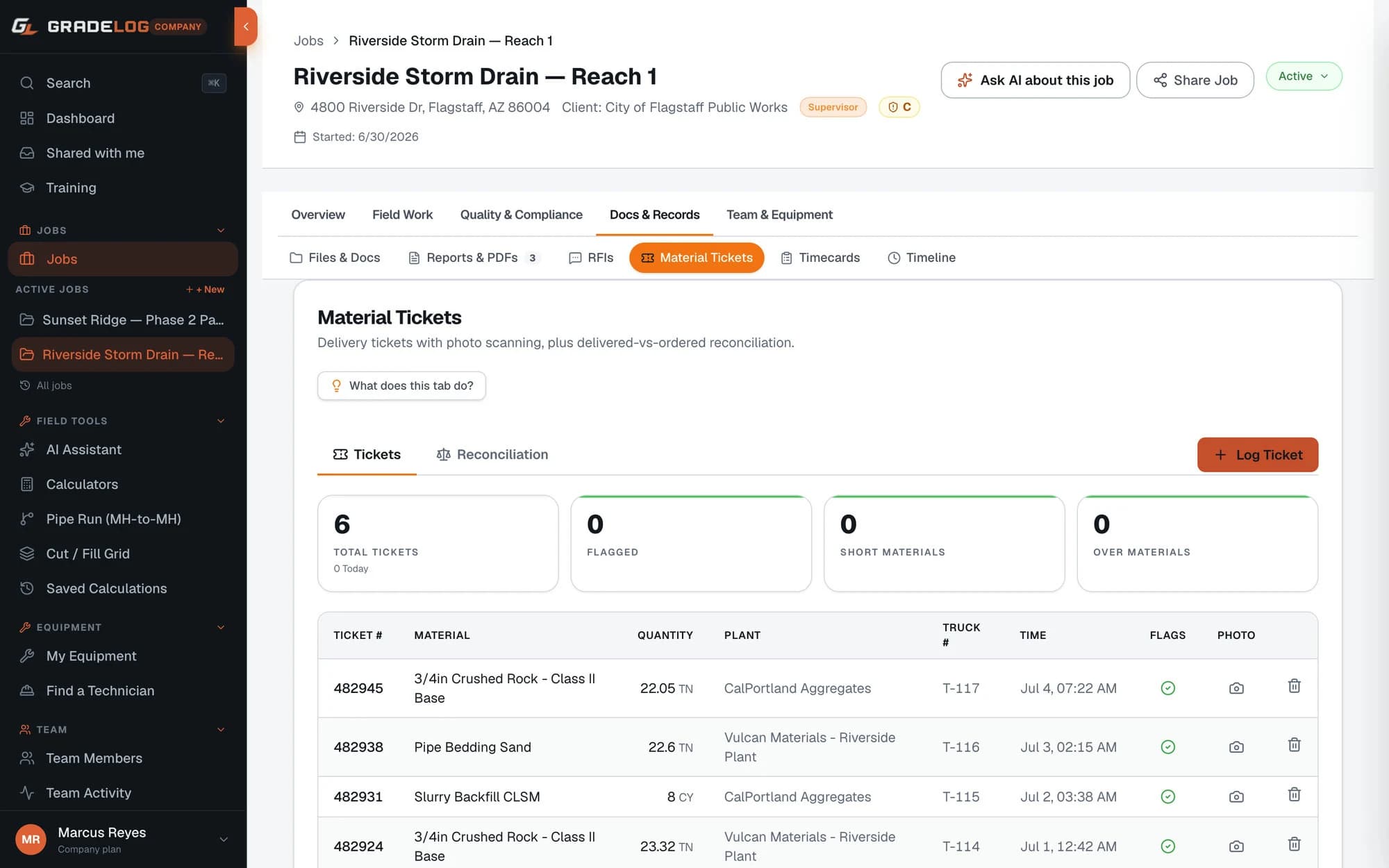
Log each concrete pour with mix design, CY placed, delivery ticket number, pour location, and weather. Photo the delivery ticket — OCR pulls the numbers. Tie to material tickets for auto-totals.
What it does
Pour log entries
- Pour date, location, and crew logged per pour
- Mix design / class / PSI specification
- CY placed per pour with running total
- Weather conditions at time of pour
Delivery ticket management
- Photo the ticket — OCR extracts ticket number, CY, and time
- Ticket number, load count, and plant name tracked
- CY and tons auto-tallied per pour and per job
- Flag short loads and discrepancies instantly
Test specimens & QC
- Log cylinder test specimens per pour (ASTM C39)
- Record slump, air content, and temperature (ASTM C172)
- Track 7-day, 28-day, and break strength results
- QC documentation for inspector and structural engineer
Pour documentation
- Inspector-ready pour log PDF
- Photos of formwork, rebar, and finished surface
- Tie to daily report for the complete day's record
- Share with engineer or inspector via link
How it works
01
Create the pour entry
Start a new pour with mix design, location, and planned CY. Takes 30 seconds.
02
Scan delivery tickets
As trucks arrive, photo each ticket. OCR pulls ticket number, CY, and delivery time automatically.
03
Log QC tests
Record slump, air, and cylinder specimens for each pour. Results stored with the pour record.
04
Export the pour documentation
Generate the pour log PDF with all tickets, CY totals, and QC test data for the inspector or structural engineer.
Who uses this
Concrete contractors
Stop tracking pours on paper. Log every pour and scan every ticket with your phone. Documentation is complete before you leave the site.
General contractors
Know exactly how much concrete was placed, where, and with which mix design — without chasing the sub for records.
QC managers & inspectors
Cylinder test data and pour conditions are logged at the time of pour. No reconstructing records from memory.
Built for your industry
Common questions
Does Gradelog support concrete cylinder test tracking?
Yes. You can log cylinder test specimens (ASTM C39) with the pour — specimen ID, break age (7-day, 28-day), and break strength in PSI. Results are stored with the pour record and included in the pour documentation PDF.
How does OCR work for concrete delivery tickets?
Photograph the delivery ticket with your phone. Gradelog's OCR engine extracts ticket number, cubic yards, delivery time, and plant name. You review and confirm the extracted data before saving.
Can I track concrete by pour location on the job?
Yes. Each pour entry has a location field (slab, footing, column, wall, etc.) that lets you filter and summarize by location when reporting.
Does Gradelog work with material tickets already?
Yes. The Concrete Log works alongside the Material Tickets module. Concrete delivery tickets appear in both the pour log and the material ticket register, giving you a unified record of all deliveries.